
This morning I asked Claude, the AI assistant I work with every day, to grill me about this blog. I had an idea: most of my readers are now machines, not people, so my posts should catch a new kind of attention.
Its first question wasn’t about writing. It asked what my claim rested on. An AI, asking me for evidence about AI. Fair. I pointed at the visitor numbers from Cloudflare, the service that sits in front of my site, and we went from there.
Here’s where the session landed, and how you can do the same on your own blog in an afternoon.
AI readers: the second audience on your blog
Your blog has two kinds of readers now. People, who read for the story. And AI agents, who read on someone else’s behalf.
The agents come in three kinds. Training crawlers collect text for the next model. Search crawlers build an index for AI answers. And user agents fetch your page live, while a person waits for ChatGPT, Claude or Perplexity to answer a question. Only the last two can put a link to you in an answer.
An agent doesn’t care about your opening scene. It skips the anecdote, the dog and the joke you spent twenty minutes on. Rude, but efficient. It looks for a claim it can lift out, with a source it can name.
So the tempting move is to write like a machine. Claim first, no story, headings like a manual. I didn’t want that, and Claude didn’t push me there. We settled on a split instead: the voice is for people, and the agent gets a frame around it.
If you run a company site, there is one decision for you here. Do you let these agents in? Many sites block them without knowing it, because Cloudflare has blocked AI crawlers by default on new domains since July 2025.
The frame: what an agent reads before your prose
The frame is everything around the text. None of it changes how the post reads to a person.
- robots.txt names each AI agent and lets it in.
- llms.txt at the site root lists every post with a one-paragraph summary, in Markdown. It’s a proposed convention from llmstxt.org, not a standard.
- A Markdown copy of each post sits next to the HTML, linked from the page head. An agent gets the text without menus, scripts or cookie banners. No vendor I found says its agents follow that link, though. Cloudflare’s Markdown for Agents does the same job another way: it converts a page for any client that asks for
text/markdown. - A TL;DR at the top says the claim and the payoff in plain sentences. Mine already had one.
- Headings name the topic first. The twist can come after a colon. “Why F12 fails you here” would become “Browser DevTools: why F12 fails you here”.
- The first sentence of each section states its claim. The story follows.
- A FAQ at the end, with real questions as headings.
How much of this helps? The one study I found, GEO by Aggarwal and colleagues, rewrote web pages and measured how visible they became in a generative engine’s answers. Adding quotations, statistics and cited sources helped most, by up to 40% on the authors’ own measure. They didn’t test headings or a TL;DR. That part is my bet, and I’ve labelled it as one.
The prose stays as it was. I still open on a scene, and I still end on a punchline. This is the part I like: nothing about writing well for people had to go. The agents still skip the punchline. Their loss.
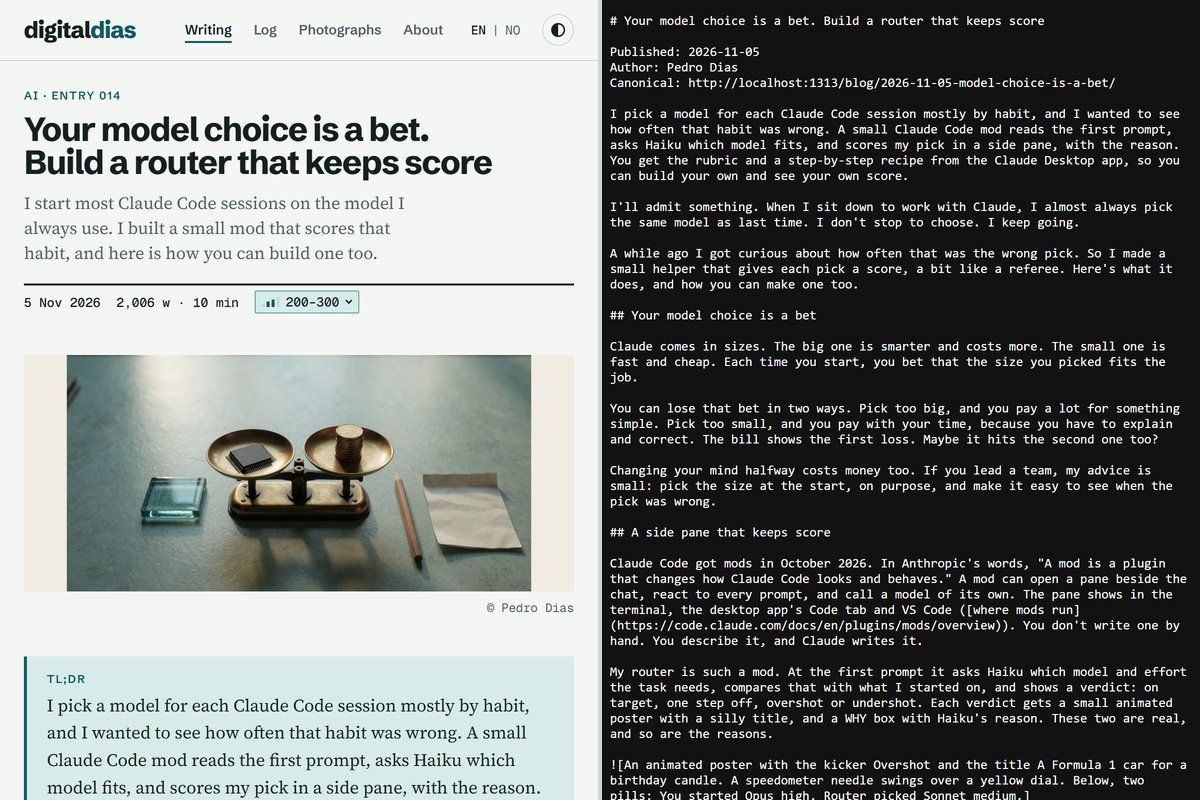
robots.txt: let the agents in by name
Yes, the file that welcomes robots has been called robots.txt since 1994. Some names age well.
A named group in robots.txt doesn’t inherit the rules from User-agent: *. So you repeat your Disallow lines in each group. Here are the agents of the three biggest vendors (OpenAI, Anthropic, Perplexity), in a shorter form than this site’s own file:
User-agent: GPTBot
User-agent: OAI-SearchBot
User-agent: ChatGPT-User
User-agent: ClaudeBot
User-agent: Claude-SearchBot
User-agent: Claude-User
User-agent: PerplexityBot
User-agent: Perplexity-User
Allow: /
Disallow: /admin/

Sitemap: https://example.com/sitemap.xml
Several User-agent lines in a row share one group, which keeps the file short. Google-Extended isn’t a crawler. It’s a token that tells Google whether Gemini may train on what Googlebot already fetched.
One catch. OpenAI and Perplexity both say their user-triggered agents may skip robots.txt, because a person asked for the page. So the named lines matter most for the crawlers that do read the file.
I let the training crawlers in too. On a static blog they cost me nothing, and a model that has read my posts may know my name next time. Don’t count on it for links, though. A 2026 study found that 3 to 13% of the citation URLs from LLMs and research agents never existed. You may decide differently; leave out GPTBot and ClaudeBot if you do.
Then check Cloudflare, or whatever sits in front of your site. A block there wins over anything robots.txt says.
Audit your blog: one prompt for your own Claude
The quickest route needs no code from me. Paste this into Claude Code, or any coding agent, in your blog’s repository. It works whatever your blog runs on:
Audit this blog for AI agents that read it on a person's behalf. Keep the writing voice as it is; change only the frame around it.
Check robots.txt: are GPTBot, OAI-SearchBot, ChatGPT-User, ClaudeBot, Claude-SearchBot, Claude-User, PerplexityBot and Perplexity-User allowed by name? Remember that a named group does not inherit the * group.
Check whether the site publishes /llms.txt (llmstxt.org) and a Markdown copy of each post, linked with <link rel="alternate" type="text/markdown">. If not, propose how this site's generator can produce both at build time.
Pick the five newest posts. For each, report whether it opens with a summary of its claim, whether its headings name their topic in the first words, and whether each section's first sentence states its point. Suggest a rewrite only for headings and first sentences.
Report as a table first, then the proposed changes. Change no files until I approve.
llms.txt and Markdown copies: a Hugo recipe
This site runs on Hugo, so both files come out of the build. Nobody has to keep them up to date. I tested this on Hugo 0.152.2.
First, declare two output formats in hugo.toml, and give the home page the llms one:
[outputFormats.markdown]
  mediaType = 'text/markdown'
  baseName = 'index'
  isPlainText = true

[outputFormats.llms]
  mediaType = 'text/plain'
  baseName = 'llms'
  isPlainText = true
  notAlternative = true

[outputs]
  home = ['html', 'rss', 'llms']
Then turn on the Markdown copy for every post, in the front matter of content/blog/_index.md:
cascade:
  - outputs: ["html", "markdown"]
    target:
      kind: page
The target keeps the blog list page itself out of it. The template for the copy is layouts/blog/single.markdown.md. This is the short version:
# {{ .Title }}

Published: {{ .Date.Format "2006-01-02" }}
Canonical: {{ .Permalink }}
{{ with .Params.tldr }}
{{ . }}
{{ end }}
{{ .RawContent }}
My own version also turns the image and callout shortcodes into plain Markdown, because .RawContent leaves them as they are. Ask Claude to add that for your shortcodes.
The llms.txt template is layouts/index.llms.txt:
# {{ site.Title }}

> {{ site.Params.description }}

## Posts

{{ range (where site.RegularPages "Section" "blog").ByDate.Reverse -}}
- [{{ .Title }}]({{ with .OutputFormats.Get "markdown" }}{{ .Permalink }}{{ end }}): {{ .Params.tldr | default .Description }}
{{ end }}
Last, point to the copy from the page head, in your head partial:
{{ with .OutputFormats.Get "markdown" -}}
<link rel="alternate" type="text/markdown" href="{{ .Permalink }}">
{{ end -}}
Run hugo server and open /llms.txt and any post’s index.md. You should see plain text, with the TL;DR on top.
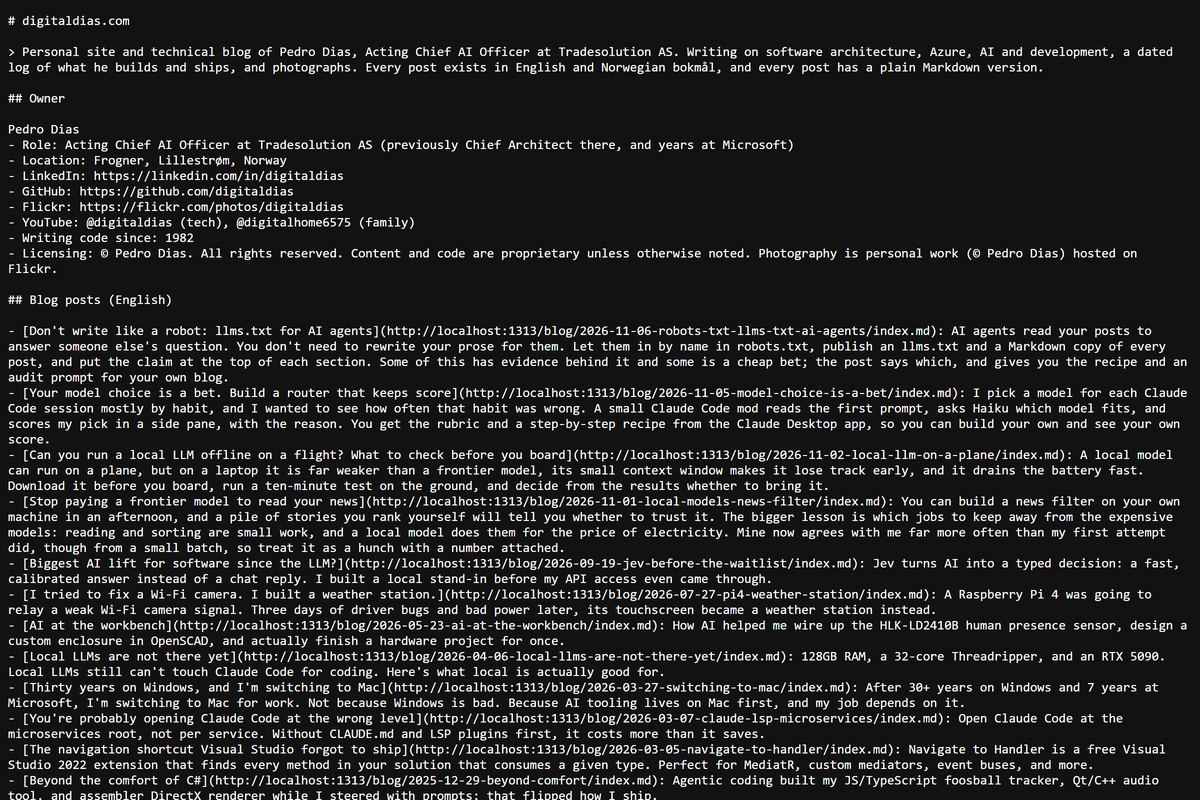
It took me one session to do all of this. The posts didn’t change. The frame did.
FAQ
Do I have to write differently for AI?
No. Keep the story for people. Add a TL;DR, put the topic first in each heading, and state the point in each section’s first sentence. If you want the change with evidence behind it, take the GEO study’s advice: quote people, give numbers, and cite your sources.
Does any AI company actually read llms.txt?
Not that I can find. Google’s John Mueller said in June 2025 that no AI system uses it, and the server-log studies I’ve seen from SEO vendors show few requests for it. I publish it anyway. It comes out of the build for free, and if the agents start reading it, I’m ready.
Should I block the training crawlers?
That’s your call. Blocking GPTBot and ClaudeBot keeps your text out of the next model, while OAI-SearchBot, Claude-SearchBot and the user agents can still find and cite you.
How do I know it works?
Look for visits referred from chatgpt.com and perplexity.ai in your analytics; ChatGPT often adds utm_source=chatgpt.com to its links. I haven’t checked yet what Claude and Gemini send. Then look for the agents by name in your CDN’s bot log. I’m tracking both per post from now on, so I’ll have numbers to report later.